
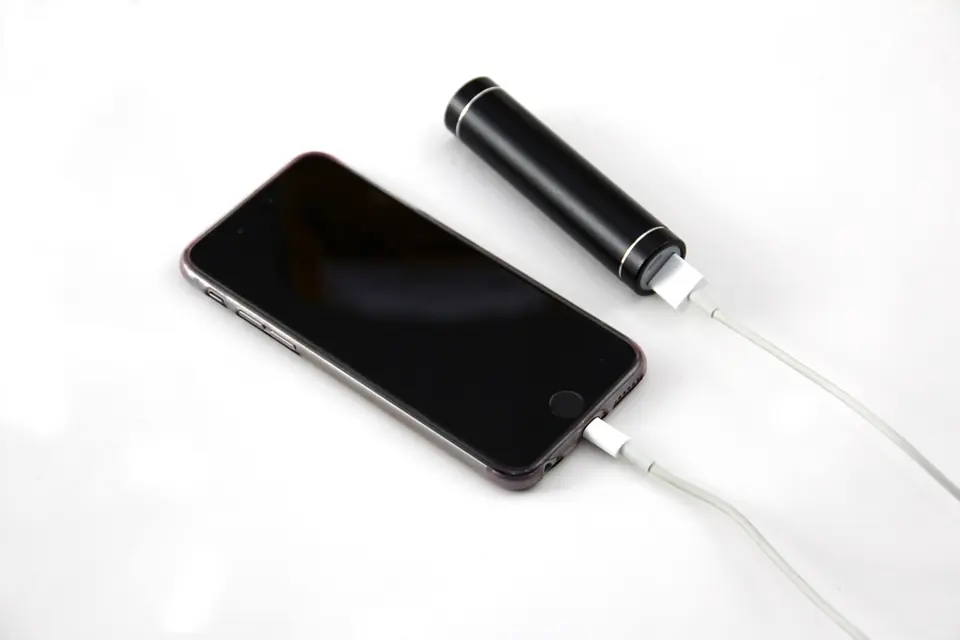
It's true: battery life is a common concern for many smartphone users. The Mercado Tech Brasil team is happy to help by sharing 7 tips to make your phone battery last longer. Feel free to go through them, and we can discuss them.
Tip 1: Minimize Notifications and Vibrations
Review which notifications are really necessary in order to save charge.
Notifications can be major villains when it comes to battery life throughout the day. From WhatsApp messages to Instagram likes and app promotions, these alerts can drain power unnecessarily.
So the recommendation is to keep notifications only for truly important activities, such as work emails, alarms and essential reminders.
Tip 2: Review Your Installed Apps
Having a smartphone with plenty of storage usually means having lots of apps installed. However, it's important to ask yourself: do you really use all of them?
Besides taking up unnecessary space, even on high-capacity devices, some apps may run functions in the background, as mentioned earlier, which drains the battery for no reason. So review your installed apps and remove the ones that aren't essential to your daily use.
Tip 3: Avoid Unnecessary Charging
Above all, it's important to avoid leaving your phone plugged in all the time. Many people are in the habit of plugging their phone in as soon as they get home, get in the car or go to bed. Often, though, the battery isn't even half empty, which makes the charge unnecessary.
This habit can also hurt the battery's lifespan, causing it to lose capacity over time and require more and more frequent charges. So, from the moment the phone comes out of the box, it's advisable to recharge it when the battery is between 5% and 10%, as manufacturers recommend.
Tip 4: Make the Most of Dark Mode
Dark mode is an excellent way to save your smartphone's power. By applying a black background, it softens the intensity of the light emitted by the screen, which makes extended use more comfortable for your eyes and also saves battery.
Practically all major apps offer a night or dark mode option in their settings. In addition, on operating systems such as iOS, this option can be applied automatically to all apps if it's enabled in the iPhone's settings.
Tip 5: Keep an Eye on Background Activity
In short, it's important to stay in control of apps' background activity. As mobile apps have evolved, many of them have started running various functions in the background. Some, for example, constantly use your location or install updates as soon as they're available.
These actions can consume a significant amount of battery unnecessarily, since not every app needs real-time location access or immediate updates. For this reason, it's a good idea to keep an eye on background activity on your system and turn off whatever isn't essential.
Tip 6: Adjust Screen Brightness
Screen brightness is one of the main factors draining your phone's battery. We often use a higher brightness level than necessary, especially in low-light environments.
That's why it's recommended to keep screen brightness at the lowest possible level that still keeps everything visible, without the excess light that can drain your smartphone's power.
Tip 7: Use Power Saving Mode
Turn to power saving mode as a final measure to preserve your device's battery.
This last suggestion involves turning on power saving mode. When you enable it, the system takes a series of actions to preserve charge, such as turning off the screen after a short period of inactivity and lowering the brightness.
On some devices, turning on this mode may also suspend certain background activities. However, this behavior can vary from system to system.
If, even after applying our tips, your phone's battery still lasts less than expected, we recommend visiting an authorized store to consider replacing it. And don't forget to look after the new battery with the care we've shared here.
Translated from the original in Portuguese. Read the original.